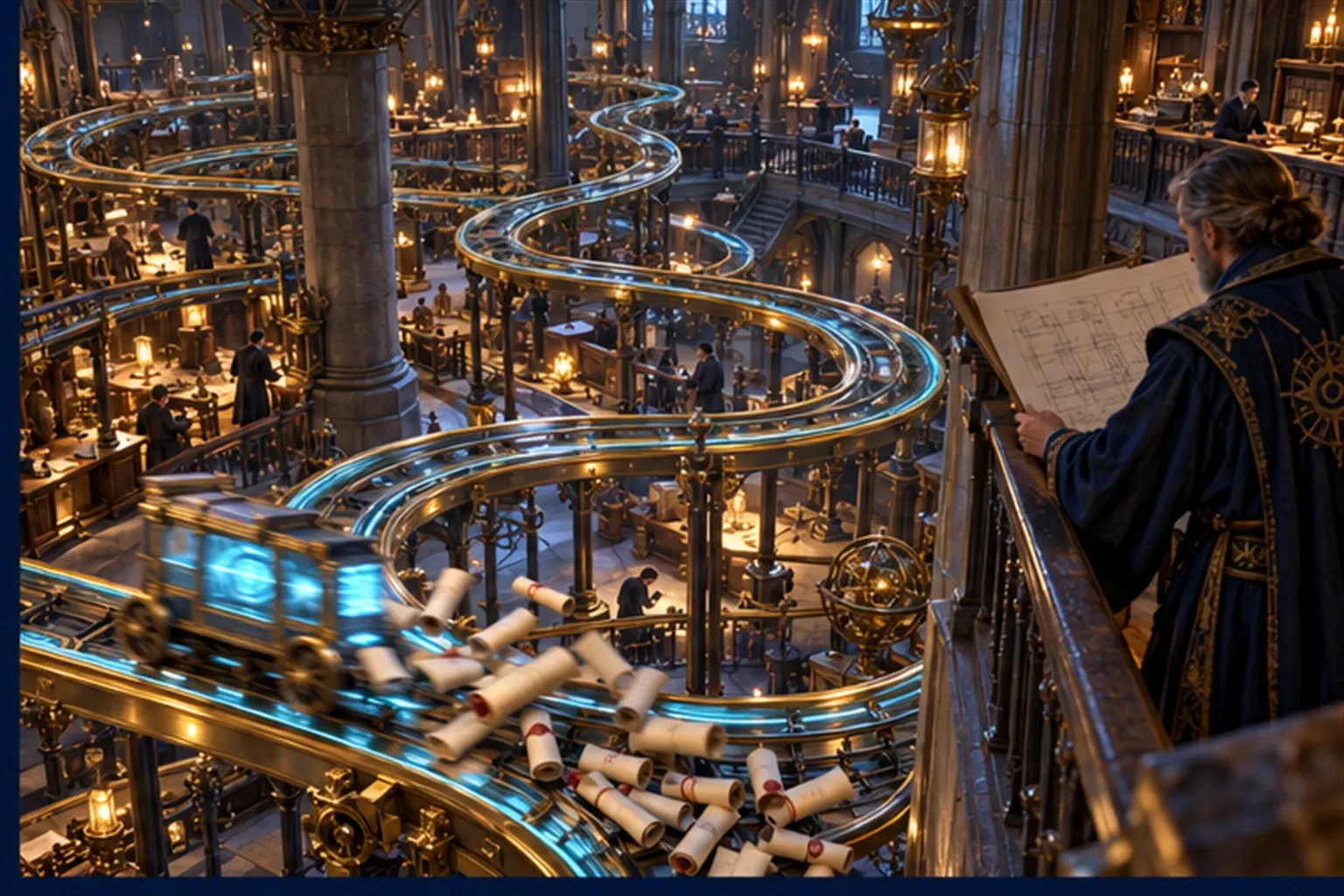
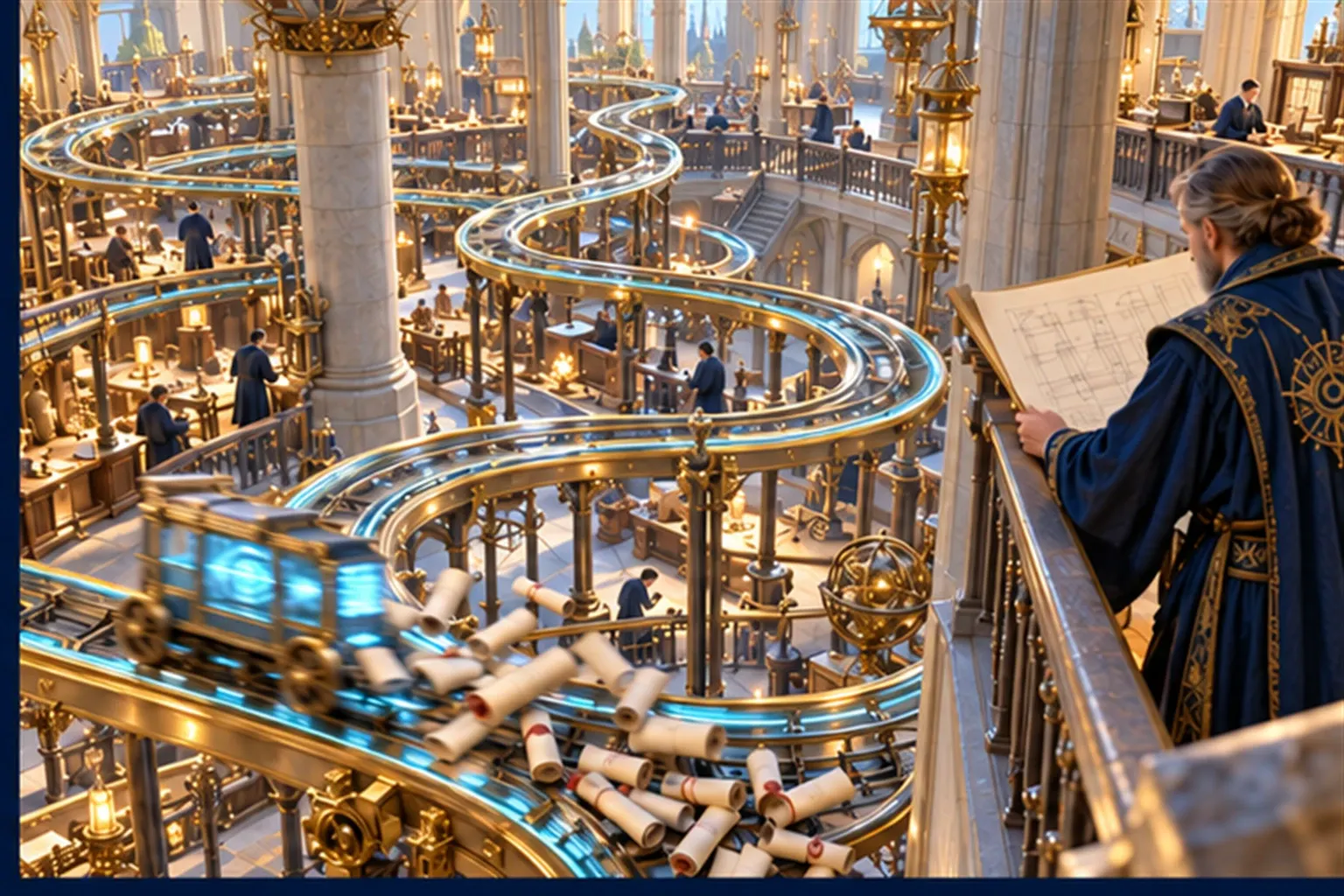

Most automation projects start with a tool. Someone sees a demo, a licence is bought, and the team is asked to "automate the process". A few months later the automation is running, the process is no faster, and there is a new system that somebody has to look after. The tool was not the problem. The process was never designed, so the automation faithfully reproduced it — including the parts that should not have existed.
Automating a process nobody has designed gives you a faster version of the same problem. With AI agents, you get a faster and more confident version.
The pattern
The sequence is familiar.
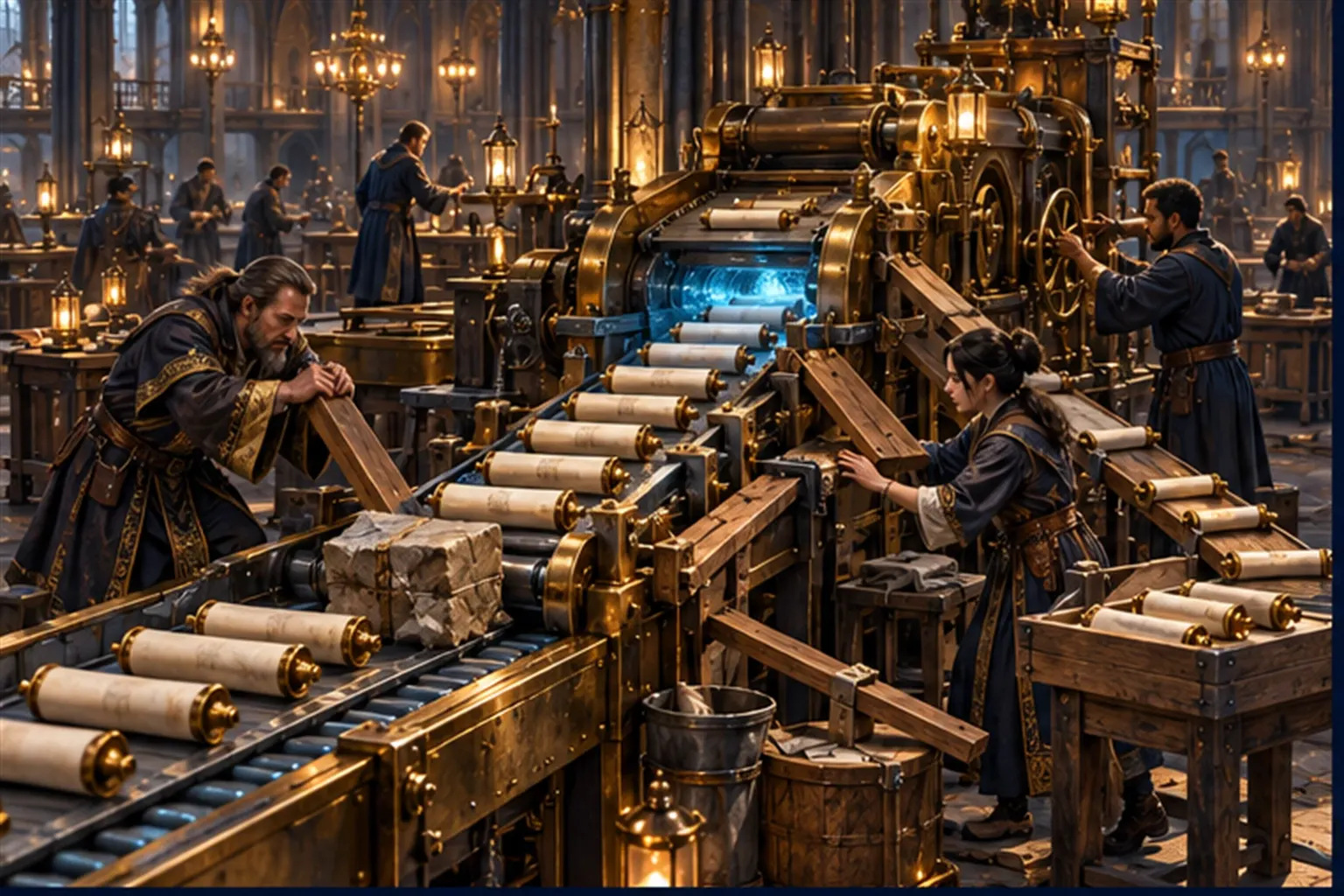
- A team is overloaded by repetitive work: re-keying orders, chasing approvals, copying data from one system to another.
- A tool is chosen to automate the steps as they are performed today.
- The happy path works well in testing.
- In production, the exceptions arrive: the order with a missing reference, the customer with two accounts, the approval nobody is around to give.
- Workarounds are added. Then workarounds for the workarounds.
- The automation becomes another system to babysit, and the team now maintains both the old manual fallback and the new automation.
Nothing in that sequence is a technical failure. Every step worked as built. What failed was the decision to build before deciding what the work should be.
Five ways it goes wrong
1. You automate the workaround
Many steps in a manual process exist because of old constraints. Data is re-keyed because two systems were never connected. An approval exists because of an incident years ago that nobody remembers. A spreadsheet is the real system of record because the official one was too hard to change. Automate these steps and you make the workaround permanent and invisible.
2. The exceptions are the process
The common case is the easy part. The cost, the risk and most of the skilled judgement sit in the exceptions. A process that has not been designed has no defined exceptions; people handle them as they arise, from experience. An automation has no experience. It either stops, or it guesses.
3. Nobody owns the outcome
The automation is owned by whoever built it. The process is owned by the operations team. The outcome — orders shipped on time, invoices paid, customers answered — belongs to nobody in particular. When the results are poor, each party can show that their part works.
4. The decisions were never written down
Automation needs rules. Many processes run on judgement that has never been articulated: "we usually approve those", "that customer is fine", "it depends". A rules-based automation cannot use that. An AI agent will try to, which is worse (see below).
Failure pattern — Adding AI on top of an undefined process. Many organisations deploy AI agents before they have clear processes, decision rights and success metrics. This leads to confusion, wasted investment and fragile results.
5. Speed amplifies errors
A person following a bad rule makes a few mistakes a day and usually notices something is off. An automation following the same rule makes the mistake every time, at volume, without noticing anything.
Why agents raise the stakes
AI agents make it tempting to skip design altogether. Unlike a rules engine, an agent can cope with messy inputs and unfamiliar cases, so it seems unnecessary to define them. That flexibility is real, and it is exactly why design matters more, not less. A rules engine that meets an undefined case stops. An agent carries on, and its choices look reasonable enough that nobody checks them. The design is what tells the agent which decisions are its to make, which belong to a person, and what to do when it is unsure. Without it, the agent is making policy one case at a time.

What process design actually means
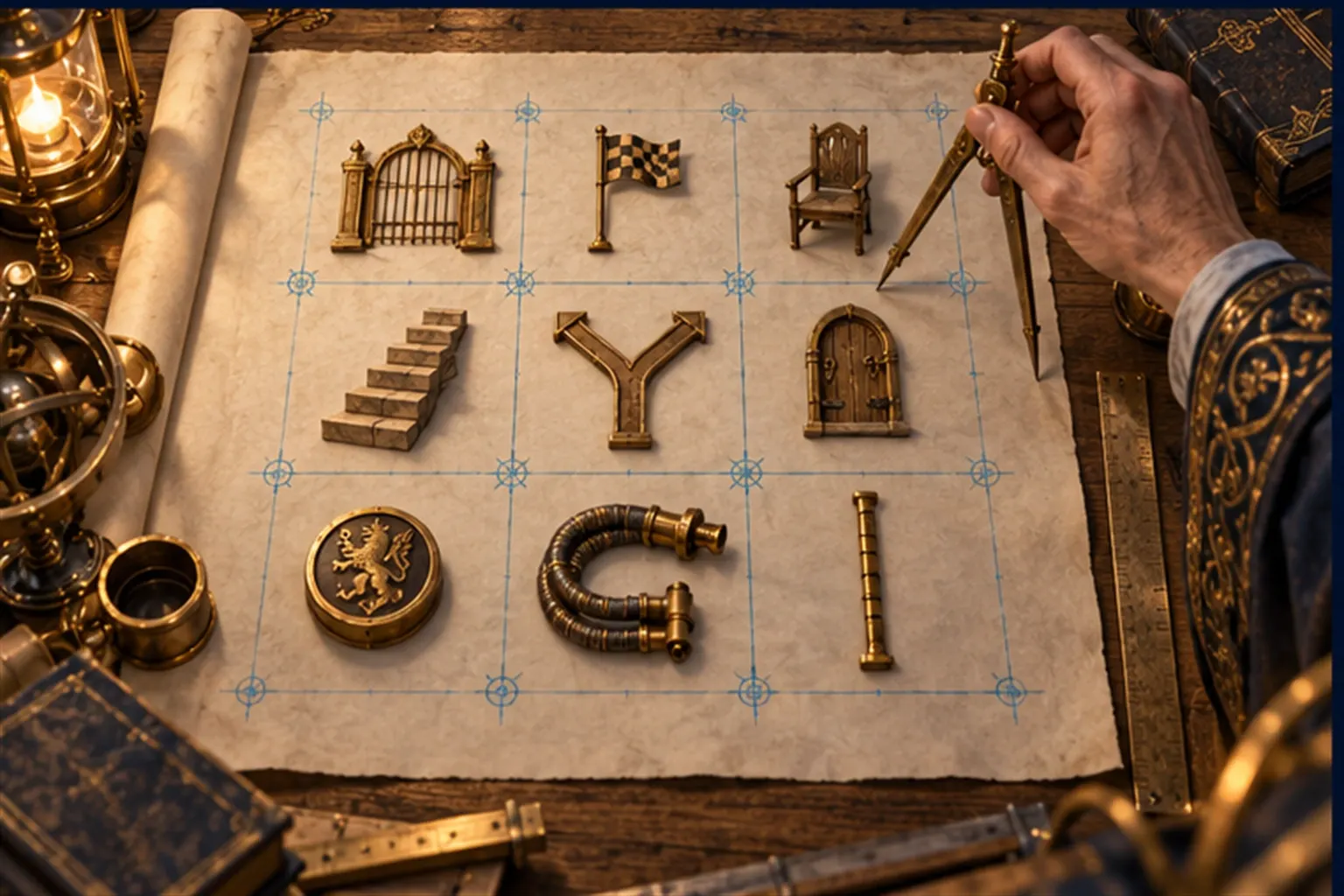
Process design does not mean a hundred-page model of the business. For most workflows it means one page that answers a short list of questions.
| Question | What to write down |
|---|---|
| Trigger | What starts the work, and where it arrives |
| Outcome | What "done" means, and how you will measure it |
| Owner | The one person accountable for the outcome |
| Steps | What happens, in order, and who or what does each step |
| Decisions | Every point where a choice is made, and the rule or the person that makes it |
| Exceptions | What can go wrong, and where each case goes |
| Approvals | Which actions need a person before they happen |
| Systems | Where data is read and written, and which system is the record |
| Measures | Volume, time, errors and cost, today and as a target |
If you cannot fill in the page, you are not ready to automate. You have learned something more valuable: where the process is unclear.
Design first, then automate
The order matters more than the tools. The Guild's approach to manual operations has five steps — analyse, design, build, deploy, optimise — and the second is where most of the value is decided: designing the workflow and the human approvals it needs, before anything is built. As the Guild puts it, "we design the workflow, not just the tool."
In practice that means:
- Walk the work. Follow real cases from trigger to outcome. Count the volume, the handoffs and the exceptions. Ask people where they wait and what they re-check.
- Remove before you automate. Delete the steps that exist only because of old constraints. Connect the systems instead of re-keying between them.
- Write the decisions down. Turn "it depends" into rules where you can, and into named approvals where you cannot.
- Design the exceptions. Decide where each kind of exception goes and what the person handling it will see.
- Automate the stable core. Give the predictable, rule-based work to automation and the judgement-heavy preparation to an agent, with a person approving where the stakes are real.
- Measure and review. Compare against the baseline you took when you walked the work. Change the design when the evidence says so.
When the design is clear, the architecture is usually simple. Work arrives where it always does. An intake step structures it and routes it. Integrations update the systems of record. Approvals catch what needs a person. Monitoring reports volumes, exceptions and time saved. In the Guild's example architecture those roles belong to Athena, Hephaestus, Sentinel and Oracle, each with a Human Wizard checkpoint — but the roles matter more than the names.
An example
Illustrative example, not a client engagement.
A services firm onboards new clients by email. A salesperson forwards the signed proposal; an administrator copies the details into a spreadsheet, then into the CRM, then into the finance system, then sends a welcome pack. A first automation attempt copies the same steps: it reads the email, fills the spreadsheet, updates the CRM. It breaks whenever the proposal format changes, and the administrator still checks everything.
The redesign starts from the page. The trigger becomes a signed proposal recorded in the CRM, not an email. The spreadsheet is removed. The rules for credit checks and payment terms are written down; anything outside them goes to the finance lead for approval. An agent prepares the finance and onboarding records from the CRM and drafts the welcome pack; the administrator reviews the exceptions instead of re-keying every case. The automation that follows is smaller than the first attempt, and it holds.
Before you automate
- Can you describe the workflow on one page, including the exceptions?
- Is there one person accountable for its outcome?
- Have you removed the steps that exist only because of old constraints?
- Are the decisions written down as rules or named approvals?
- Do you know which system is the record for each piece of data?
- Have you measured the process as it is today?
If you are choosing between several candidates, Choosing the First Automation scores them on value, feasibility, risk and readiness.
Automation is a multiplier. Multiply a well-designed process and you get capacity. Multiply an undesigned one and you get the same problem, faster, with less visibility. Design the work first; then decide what the tool, the agent and the person should each do.